athenahealth Patient Self-Scheduling Software: How It Works
Contents
Quick Answer: Yes — patients can self-schedule directly into your athenahealth calendar without a portal login. CallMyDoc's ScheduleMyPatient lets a patient book an appointment over the phone in 30 to 40 seconds using only their date of birth, any time of day or night. It imports the appointment types, days, and time slots you already configure in athenahealth, so providers keep full control of their calendars while open slots fill automatically.
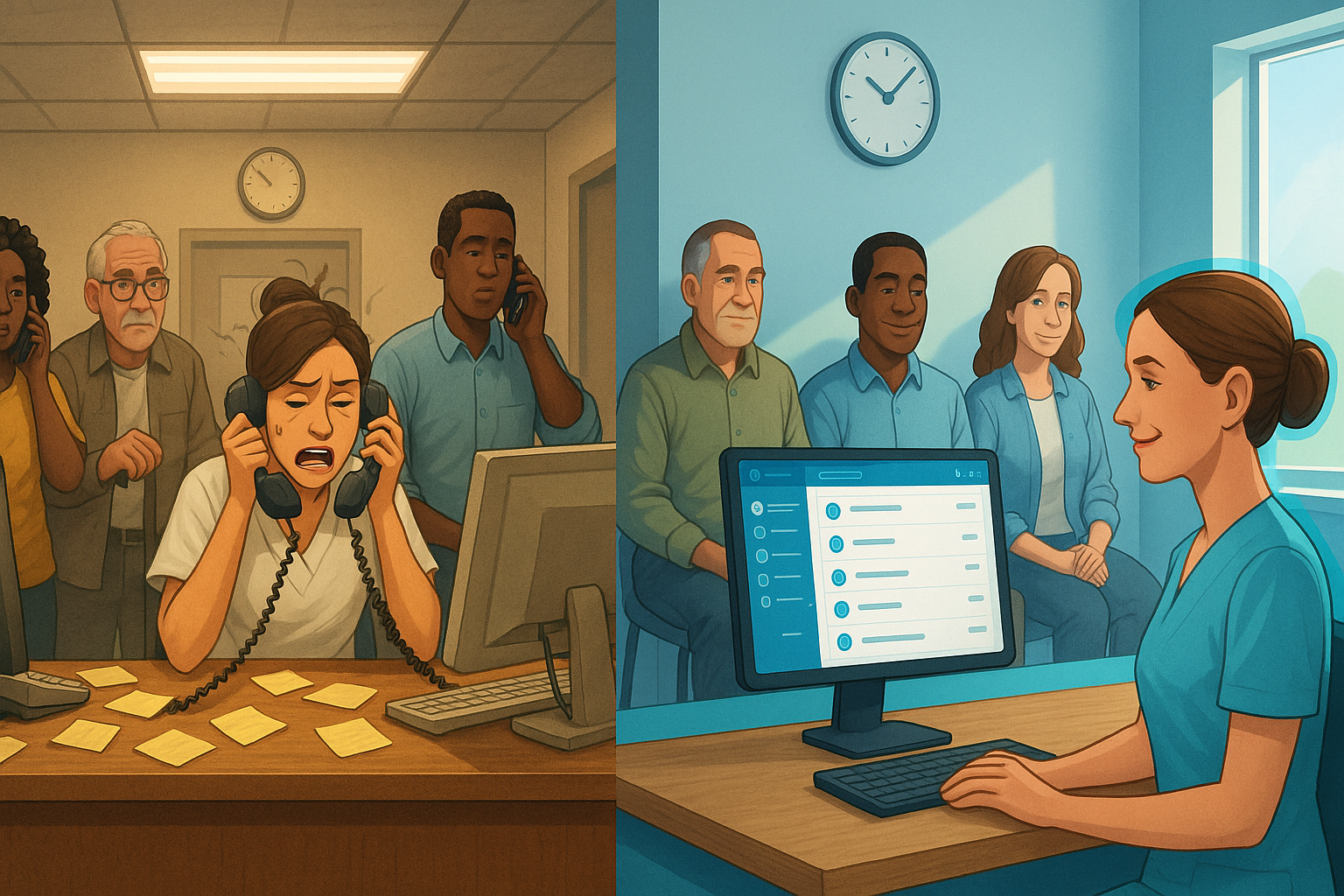
If you run an athenahealth practice, scheduling is almost certainly your single largest source of phone volume. Appointment scheduling is the single most common reason patients call a medical practice — more than a quarter of all calls across specialties. Within individual specialties the share runs even higher: scheduling drives 57% of calls in gastroenterology, 28% in neurology, 27% in OB/GYN, and 17% in orthopedics. Every one of those calls ties up a front-desk line, and many come in when no one is available to answer.
athenahealth gives you a capable scheduling engine and a patient portal, but the portal alone rarely solves the phone problem. This guide explains how phone-based patient self-scheduling works on athenahealth, what it replaces, and the real results practices see — drawn from CallMyDoc's 2025 operational data and from peer-reviewed research on self-scheduling.
Why the athenahealth patient portal isn't enough on its own
The athenahealth patient portal supports online self-scheduling, and it works well for the patients who use it. The problem is adoption. At most practices, portal sign-up and active use sit below 40% of the patient panel — and the patients who most often call to book (older patients, new patients, anyone who hasn't registered) are exactly the ones least likely to log in.
That gap is where the calls come from. A patient who can't or won't navigate a portal login picks up the phone instead, and your staff is back to playing phone tag during the 8–10 a.m. rush. To actually move scheduling volume off the front desk, athenahealth practices need a channel that requires nothing more than a phone call — no account, no password, no app.
How phone-based self-scheduling works on athenahealth
CallMyDoc's ScheduleMyPatient module is built specifically for athenahealth practices. Here's the mechanism, start to finish:
- You define the rules in athenahealth. Providers designate which days, times, and appointment types are open for self-scheduling — the same controls you already use. Once those rules are set on your athenahealth patient portal, ScheduleMyPatient imports them.
- Patients call a dedicated number. You can configure one phone number or as many as you need for different services, locations, or referral sources. When a patient calls, the system identifies them by date of birth and matches them to their chart.
- The patient books in 30 to 40 seconds. ScheduleMyPatient walks the caller through a short series of questions and books the appointment — typically in about half a minute. No portal, no login, no app. A patient only needs a phone and their date of birth.
- The slot fills automatically and your calendar stays controlled. Because availability is pulled from the rules you set, patients can only book appropriate slots for the right provider. Open gaps fill on their own, and your schedule stays predictable.
The system looks ahead up to three months for available slots and runs 24/7, so a patient can book at 11 p.m. on a Sunday just as easily as at 2 p.m. on a Tuesday. And if nothing in that 90-day window fits, the patient can leave a message instead — CallMyDoc drops it straight into an athenahealth patient case for your team to call back, so no booking request is ever lost. For practices that prefer a digital option too, ScheduleMyPatient also includes a lightweight web-based self-scheduler that needs only the patient's name and date of birth — no full portal account required.
Critically, ScheduleMyPatient never makes a clinical decision. It does not assess symptoms, judge urgency, or triage. It simply takes the patient's selections and books an appropriate, available slot — exactly the kind of routine administrative work that should never require a staff member.
Scheduling works outbound, too
Self-scheduling isn’t only about patients calling in. The same system can place outbound calls — proactively reaching patients and booking them into an appointment on its own. Instead of staff working through a call-back list to fill open slots or recall patients who are due for a visit, the system calls the patient, walks them through the available times, and schedules the appointment autonomously during the call.
For an athenahealth practice, that makes scheduling a two-way capability: patients can book themselves whenever they call in, and the practice can fill gaps in the calendar or bring overdue patients back in — without adding to the front desk’s workload. Either way, the appointment lands on the same athenahealth schedule, under the same provider-defined rules.
The results: 2025 self-scheduling data
This isn't theoretical. Across the CallMyDoc platform in 2025:
- 282,038 scheduling calls were handled with zero receptionist involvement. That's a quarter-million phone interactions that never touched the front desk.
- 14,912 appointments were fully self-scheduled to completion by patients, start to finish, with no staff member in the loop.
- Patients booked around the clock — including evenings and weekends when the front desk is closed — because the system runs 24/7 and looks up to three months ahead for open slots.
Self-scheduling is one piece of a broader pattern: across more than 29 million patient calls handled in 44 states plus DC and the US Virgin Islands, CallMyDoc fully automates roughly 47% of inbound call volume across every call type — scheduling, refills, messages, and more — with zero security breaches. (We break that overall automation rate down by call type in our guide to athenahealth call automation.) Scheduling is one of the most automatable categories within that mix, because it follows clear, repeatable rules.
What the research says about patient self-scheduling
Independent research backs up what practices see in the field. In a peer-reviewed study published in JMIR Medical Informatics, researchers analyzed 13 months of well-child appointment activity at the Mayo Clinic after it rolled out self-scheduling. Two findings stand out for any athenahealth practice weighing the option:
- 29.5% of self-scheduling actions happened outside normal business hours. Nearly a third of bookings occurred when the front desk was closed — appointments the practice would otherwise have captured through phone tag the next day, or lost entirely.
- Self-scheduled appointments were dramatically more efficient. Only 6.93% of self-scheduled appointments required more than one step (schedule, cancel, reschedule), compared with 28.32% of staff-scheduled appointments — a statistically significant difference. Self-service didn't just shift work; it reduced it.
Importantly, the same study found self-scheduling carried no increase in no-shows — finalized self-scheduled appointments performed at least as well as staff-booked ones. The takeaway is about access and efficiency, not no-show rates: giving patients a way to book themselves takes work off your staff without sacrificing schedule quality. (Cutting no-shows further is the job of appointment reminders and self-service workflows, which can reduce no-shows by up to 40%.)
Beyond booking: referrals, reminders, and analytics
For athenahealth practices, self-scheduling pairs naturally with the rest of the patient-communication workflow:
- Referral scheduling. You can give referral partners dedicated self-scheduling phone numbers and links, so they can book the right appointment type directly — without tying up your staff or theirs.
- Automated reminders. Once an appointment is booked, CallMyDoc's reminder system sends dual 7-day and 1-day reminders by voice, text, or email, which helps cut no-shows. (See our work on patient self-service for how booking and reminders connect.)
- Real-time analytics. ScheduleMyPatient reports on where patients drop off, conversion rates, how many patients book on their own, and capacity and utilization — insight into a process that, for most practices, has no measurement at all today.
It all runs through the same AI-powered patient call platform, so scheduling, after-hours coverage, refills, and messaging share one system and one record.
A note on EMR availability
To be precise about scope: CallMyDoc's patient self-scheduling (ScheduleMyPatient) is currently available for athenahealth practices. CallMyDoc's broader call-automation platform — after-hours coverage, message routing, refills, paging, and chart documentation — works across athenahealth, Veradigm, and Altera TouchWorks. But phone-based self-scheduling specifically is an athenahealth capability today, built around athenahealth's scheduling rules and portal configuration. We'd rather tell you that plainly than have you discover it during a pilot.
What setup looks like
Because ScheduleMyPatient imports the appointment types and availability you already maintain in athenahealth, setup is mostly configuration rather than rebuilding. You decide which appointment types and slots to open, athenahealth's portal scheduling is configured, and CallMyDoc imports those rules and stands up your dedicated scheduling number(s). Providers keep full control of their calendars throughout — self-scheduling only ever offers the slots you've explicitly made available.
If appointment scheduling is the biggest driver of phone volume at your athenahealth practice — and for most practices, it is one of the top reasons patients call at all — phone-based self-scheduling is one of the highest-leverage places to start automating.
See it on your own athenahealth setup
The fastest way to understand the fit is to see ScheduleMyPatient working against athenahealth's scheduling rules. Book a demo → and we'll walk through how patient self-scheduling would work for your practice — the appointment types you'd open, the numbers you'd configure, and the front-desk volume you'd move off the phones.